Online PDF Editor
Edit PDF Files Online for Free
- From Device
- From URL
- From Dropbox
- From Google Drive
- From OneDrive
Or drag and drop files
ProPDF is a free PDF editor that runs entirely in your browser. Add text, edit existing content, insert images, sign, and more. No signup required, no software to install.
- ✓Encrypted transfers
- ✓Auto file deletion
- ✓No watermarks
- ✓Works on all devices
Why People Choose ProPDF PDF Editor
Fast and Easy to Use
No learning curve. Open your PDF, pick a tool, and start editing right away. Everything works smoothly in your browser without any setup.
No Daily Limits, No Signup Needed
ProPDF is a free PDF editor with no account required. Just upload and get started.
Your Original Layout Stays Intact
Your fonts, spacing, and formatting stay exactly as they were. No broken layouts, no shifted content.
Works on Any Device
ProPDF runs in any browser on Mac, Windows, Android, and iOS. No app or extension needed.
Powerful PDF Editing, Right in Your Browser
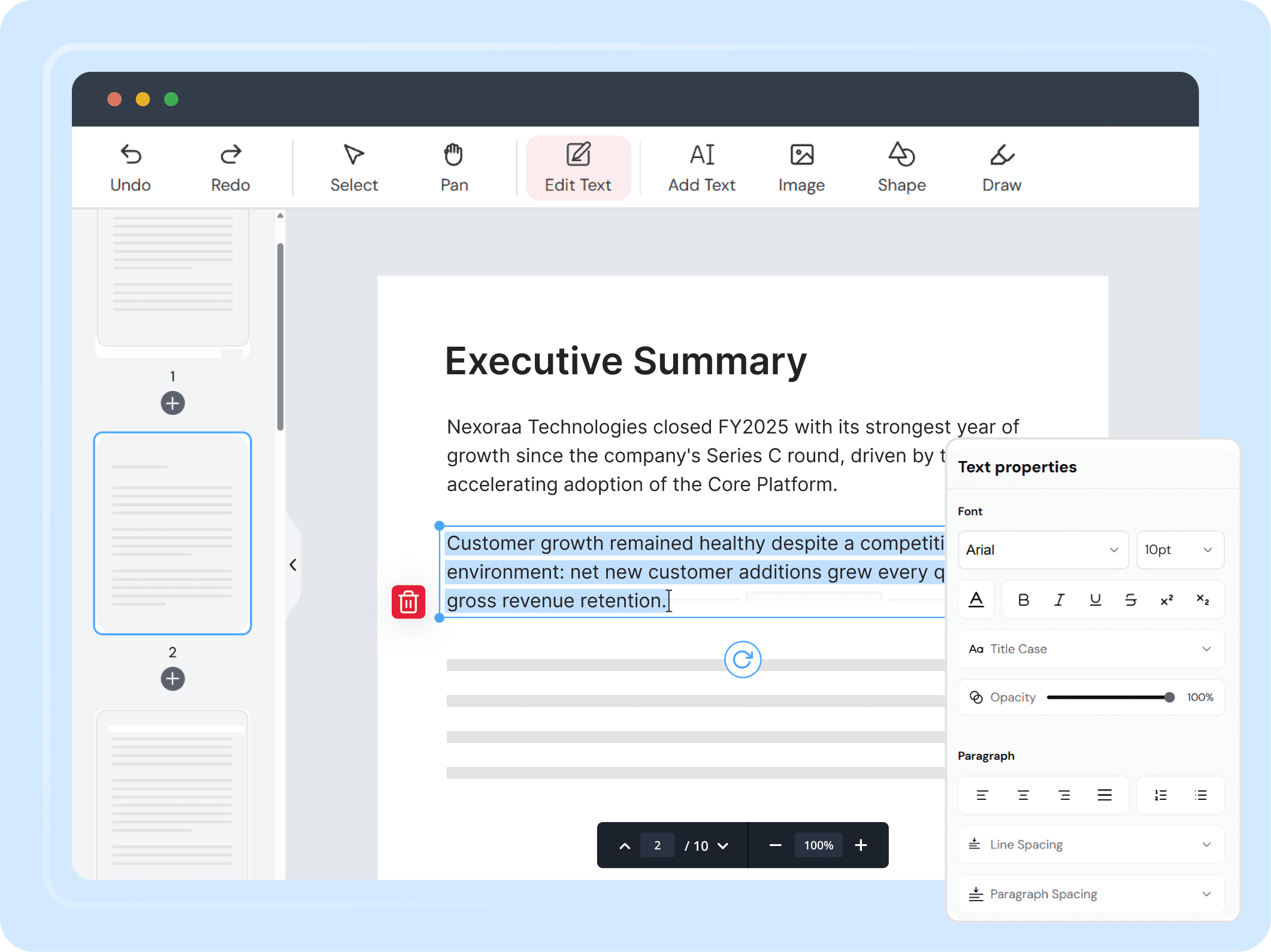
Edit Existing Text in a PDF
Click on any text and change it directly in place.
ProPDF lets you click into any existing text and rewrite it without changing your layout. Control the font, size, color, bold, italic, underline, alignment, spacing, and opacity. With Google Fonts built into the editor, ProPDF matches the fonts already in your document so your edits look like they were always there.
- ✓Full formatting control: font, size, color, bold, italic, underline, and alignment
- ✓Adjust paragraph spacing, line spacing, and ordered and unordered lists
- ✓Superscript, subscript, case handling, and hyperlink editing
- ✓Google Fonts for accurate font matching in your document
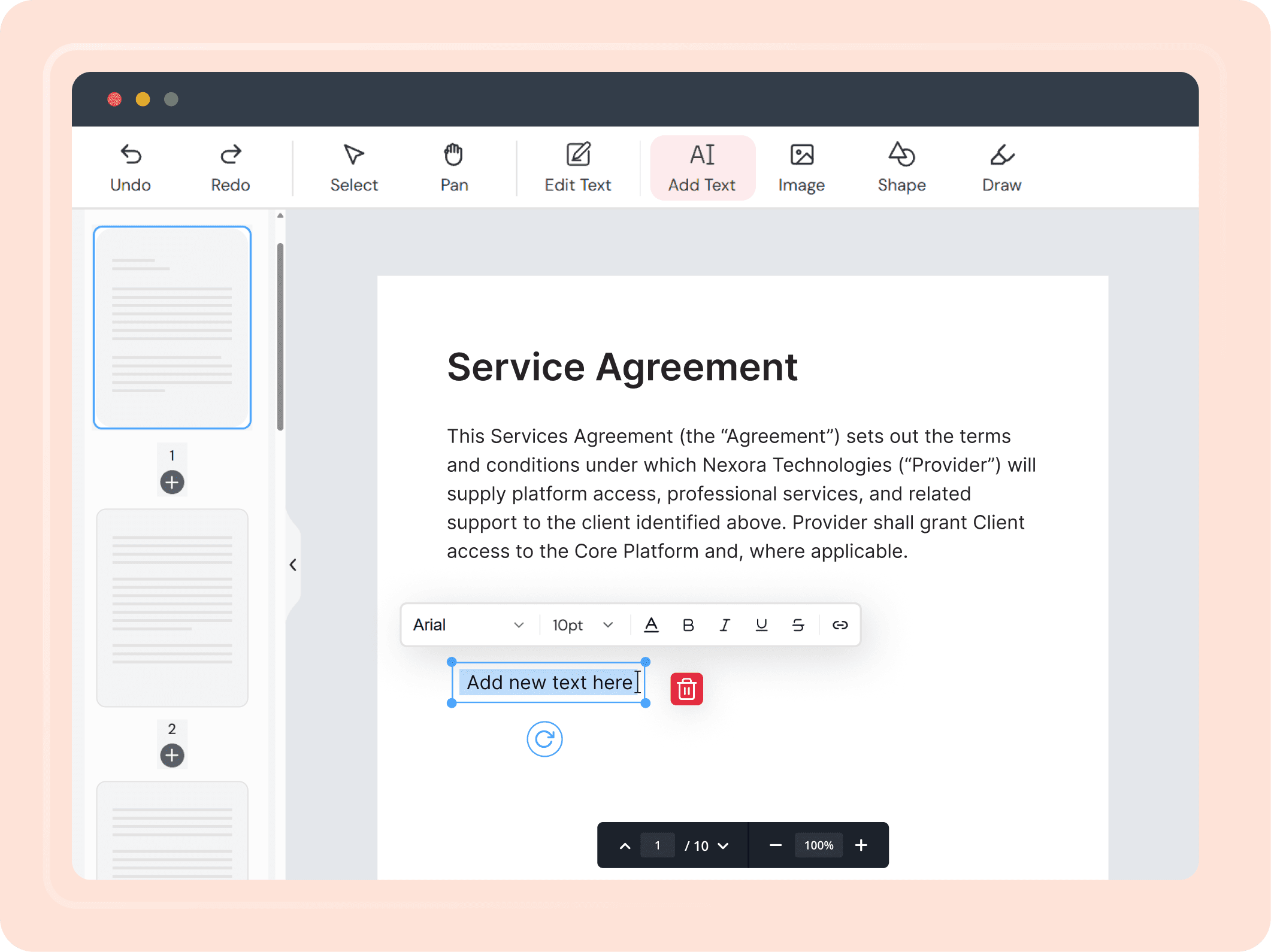
Add Text to a PDF
Place new text anywhere on the page with full formatting control.
Use the text tool to add a new text box anywhere on your PDF. Choose from thousands of Google Fonts, set the size, color, spacing, and alignment, and type. Works on any part of the page including over images and existing content.
- ✓Add new text anywhere on the page
- ✓Choose from thousands of Google Fonts
- ✓Control size, color, spacing, case handling, and alignment
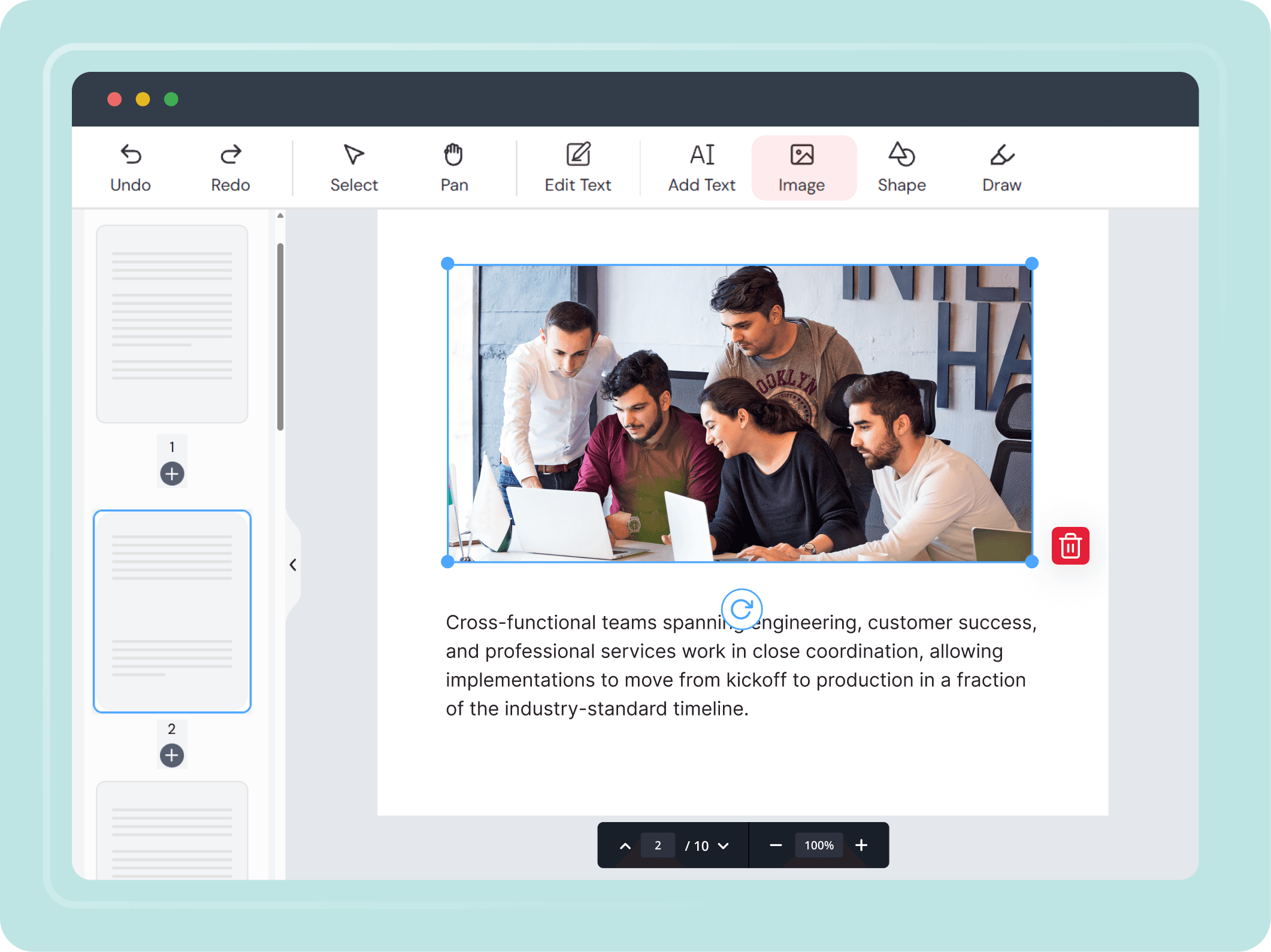
Add Images to a PDF
Insert logos, photos, stamps, or icons in just a few clicks.
Upload an image from your device, paste a URL, or connect Dropbox or OneDrive. Resize, rotate, or move it freely anywhere on the page. Your image stays sharp and clean at any size.
- ✓Upload from device, URL, or cloud storage
- ✓Resize, rotate, and move freely
- ✓Maintains original image quality
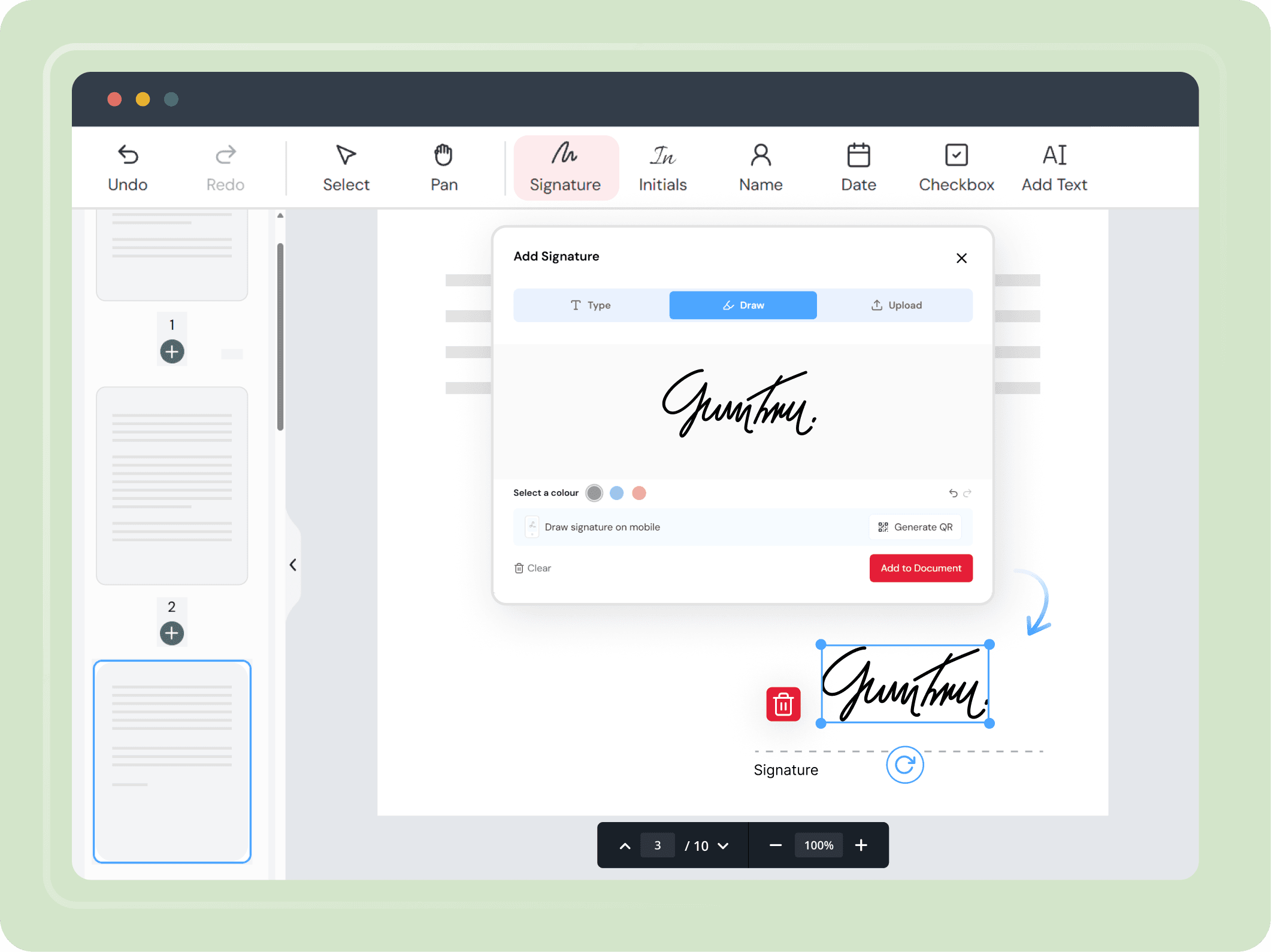
Sign a PDF Online
Place your signature anywhere on the page. No printing or scanning needed.
Open the eSign tool and place your signature anywhere on your PDF. Draw it with a mouse or touchscreen, type it in a style you prefer, or upload a signature image. Save multiple signatures and reuse them across the same document.
- ✓Draw, type, or upload your signature
- ✓Crop, clean, and adjust uploaded signatures
- ✓Save multiple signatures to reuse in the same session
How to Edit a PDF Online in 4 Simple Steps
Upload Your File
Upload a PDF or any supported file from your device, Dropbox, OneDrive, or a direct URL. Your file is encrypted the moment it reaches our server.
Make Your Edits
Edit existing text, add new text, insert images, highlight sections, draw freehand, add a blank page, or sign your document. Every tool is ready the moment your file opens.
Export and Save
Download your edited PDF to your device or save it to cloud storage. Scan the QR code to download the file to your phone.
Do More If You Need To
Compress, merge, split, protect, or organize your PDF before you finish. All in the same place, without starting over.
ProPDF Online PDF Editor Features at a Glance
A free online PDF editor with everything you need, in one place.
Edit Text in PDF
Click any existing text and edit it directly in place.
Add Text Anywhere
Place a new text box on any part of the page.
Insert Images
Upload from your device, URL, or cloud storage.
Edit Images, Vectors and Shapes
Select and modify charts, diagrams, and shapes with precision.
Google Fonts Support
Thousands of fonts to match and edit your document accurately.
Sign PDF Online
Draw, type, or upload your signature in seconds.
Highlight and Mark Up
Add quick highlights and markups. For more, use our dedicated Annotate PDF tool.
Multiple File Formats
Open PDF, JPG, JPEG, PNG, DOC, DOCX, XLS, XLSX, PPT and PPTX.
Download and Save
Save to your device, cloud storage, or scan a QR code on mobile.
Fill PDF Forms
Fill out any PDF form field directly in your browser.
Redact Content
Permanently remove sensitive information from your PDF.
Add Page Numbers
Insert page numbers across your entire PDF in one click.
Edit PDF Files for Every Kind of User.
One tool that works for every kind of user.
Students and Teachers
Edit assignments, lesson plans, and study materials without any extra software or accounts.
Professionals
Update reports, contracts, and business documents quickly and accurately in your browser.
Freelancers and Small Businesses
Edit invoices, proposals, and client files on the go. No subscription needed.
Personal Use
Sign documents, fill out forms, and make quick PDF edits in seconds.
Your Privacy Is Safe With ProPDF
We built ProPDF with security in mind from the start. Every file you upload is protected with SSL/TLS encryption. Your documents are processed in a private, isolated environment and removed from our servers automatically after a few hours. We never store, reuse, or view your files for any reason.
Encrypted Transfers
Every upload and download goes through SSL/TLS encryption. Your file is secure from the moment you upload it to the moment you save it.
Auto File Deletion
Your files are deleted from our servers a few hours after processing. Nothing is kept, reused, or accessed after your session is done.
Isolated File Processing
Each file is handled in its own secure environment, completely separate from other users' files.
ISO-Certified Data Centers
ProPDF runs on data centers with 24/7 monitoring, advanced firewalls, and strict physical and network security standards.
Frequently Asked Questions
How do I edit a PDF online for free?
Can I edit existing text in a PDF without changing the layout?
What file types can I upload to the ProPDF Editor?
Can I edit charts, graphs, and shapes inside a PDF?
What fonts are available when editing a PDF in ProPDF?
Can I annotate a PDF using ProPDF?
Can I sign a PDF online without printing it?
Is it safe to edit and sign PDFs on ProPDF?
Does the ProPDF Editor work on mobile and desktop?
Can I edit a scanned PDF online?
Can I edit a password protected PDF online?
Can I build a PDF form using ProPDF?
Ready to Edit Your PDF?
Use our free PDF editor to edit your file in seconds. Secure, and no signup needed.
Developed by the team behindFreeConvert, trusted by millions worldwide, ProPDF delivers the same secure, dependable experience for handling your documents.