Convert to PDF
Convert any file into PDF online with ProPDF. Documents, spreadsheets, presentations, and photos all convert to PDF format in seconds, free and secure, with no watermark.
- From Device
- From URL
- From Dropbox
- From Google Drive
- From OneDrive
Or drag and drop files
ProPDF makes it easy to convert files to PDF online. Word documents, Excel spreadsheets, PowerPoint slides, and photos all work, along with many other formats. Whether you need to convert a document to PDF or turn a set of images into one file, your original layout, fonts, and images stay exactly as they were.
- ✓Encrypted transfers
- ✓Auto file deletion
- ✓No watermarks
- ✓Works on all devices
Why Choose ProPDF Convert to PDF Tool
One Converter for Every Format
Word, Excel, PowerPoint, JPG, PNG, HEIC, TIFF, EPUB, and dozens of other formats all convert to PDF format here. You do not need a separate tool for each file type.
Free Convert to PDF Tool
Use ProPDF as a free online PDF converter with no account needed and nothing to install. Your finished file comes out clean, with no watermark added to any page.
Advanced Options Included
Set page size, orientation, and margins before you convert, along with extra options matched to your file type. The options you see change depending on what you upload.
Layout That Stays Put
Fonts, spacing, tables, colors, and page breaks all hold their position. The PDF you download looks like the file you uploaded, on every device that opens it.
High Quality Output
Text stays sharp and selectable, and images keep their original resolution. The PDF you download is ready to email, upload, or send straight to a printer.
Private and Secure
Files travel over encrypted connections and each one is processed on its own. Uploads are deleted automatically once your session is done.
How to Convert to PDF Using ProPDF
Upload Your File
Upload your file from your device or import it from Google Drive, Dropbox, OneDrive, or a direct URL. Supported formats include Word, Excel, PowerPoint, JPG, PNG, HEIC, and more.
Choose Your Conversion Options
ProPDF applies sensible defaults as soon as your file is uploaded, so you can convert straight away. If you want more control, open the advanced options to adjust page size, orientation, margins, and other settings suited to your file type.
Click Convert
Click Convert to start processing. ProPDF converts your file to PDF quickly while preserving layout, fonts, and structure.
Download Your PDF
Download your new PDF or save it directly to your cloud storage. Your file is ready within seconds, with no software required.
Everything You Can Do With ProPDF Convert to PDF Tool
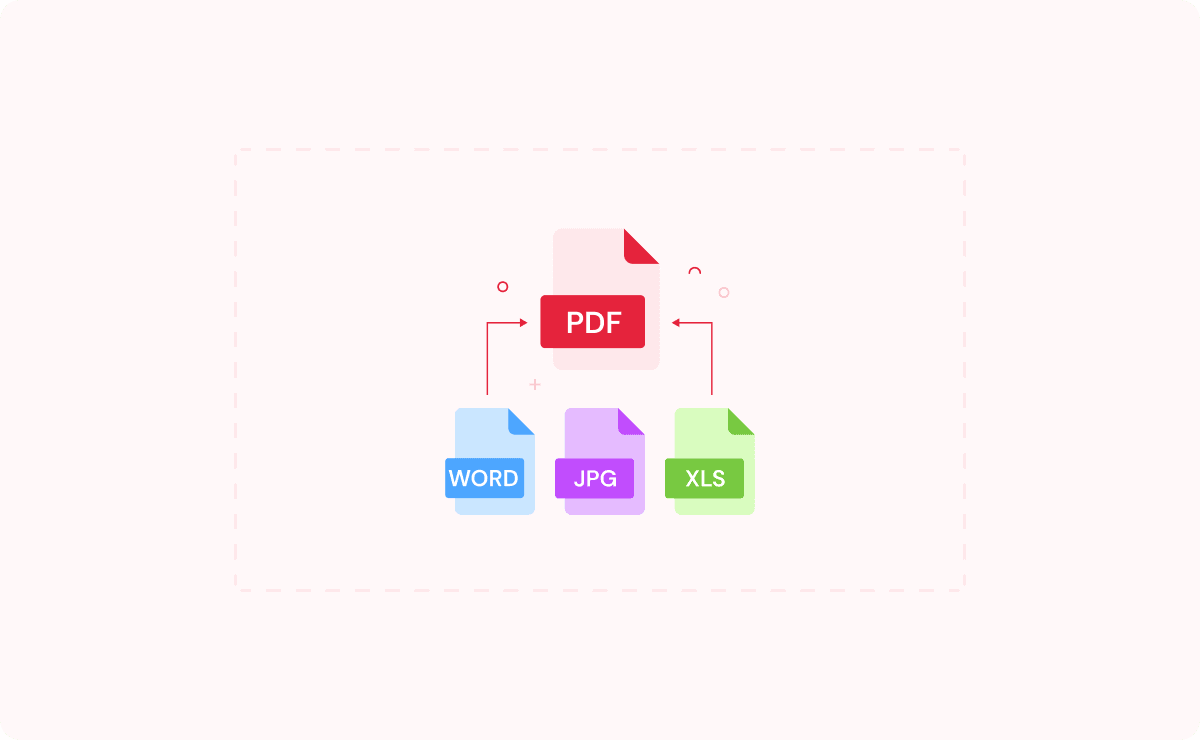
- ✓Convert Word, Excel, PowerPoint, and other documents to PDF
- ✓Convert JPG, PNG, HEIC, TIFF, and other images to PDF
- ✓Convert web pages, HTML files, and ebooks to PDF
- ✓Convert several files in one batch, mixing formats in the same upload
- ✓Set page size, orientation, and margins before you convert
- ✓Adjust image alignment and enlarge small images to fill the page
- ✓Convert directly in your browser with no account needed
- ✓Download clean PDFs with no watermark on any page
Your Privacy Is Safe With ProPDF
We built ProPDF with security in mind from the start. Every file you upload is protected with SSL/TLS encryption. Your documents are processed in a private, isolated environment and removed from our servers automatically after a few hours. We never store, reuse, or view your files for any reason.
Encrypted Transfers
Every upload and download goes through SSL/TLS encryption. Your file is secure from the moment you upload it to the moment you save it.
Auto File Deletion
Your files are deleted from our servers a few hours after processing. Nothing is kept, reused, or accessed after your session is done.
Isolated File Processing
Each file is handled in its own secure environment, completely separate from other users' files.
ISO-Certified Data Centers
ProPDF runs on data centers with 24/7 monitoring, advanced firewalls, and strict physical and network security standards.
Convert to PDF FAQ
What does it mean to convert a file to PDF?
How do I convert to PDF for free?
What file types can I convert to PDF?
Will my formatting change when I convert a document to PDF?
Can I choose the page size and orientation?
Can I convert an image to PDF?
Can I convert several files at once?
Is it safe to convert files to PDF online?
Do I need to install software to convert to PDF?
Will there be a watermark on my PDF?
Ready to convert your file? Upload it now and turn it into a PDF in seconds.
Developed by the team behindFreeConvert, trusted by millions worldwide, ProPDF delivers the same secure, dependable experience for handling your documents.